

850 +
Payment terminals

450 000 +
Transactions processed annually

250 +
Payment services available

National Coverage
Terminals located throughout Moldova

Safety
All payments are processed securely

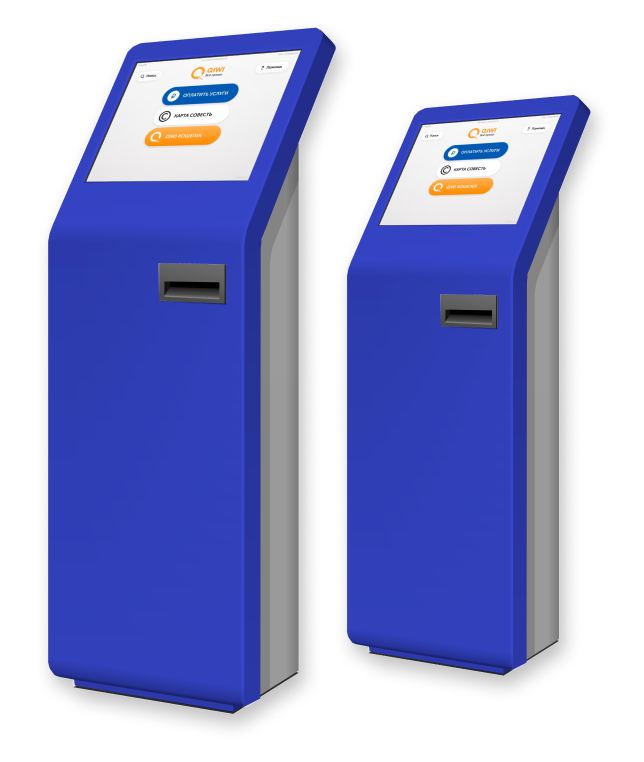
Terminal
Faster and easier payments!
Terminals are located throughout Moldova in convenient locations.
No queues, no bank, just use the terminal to make a payment.

How do you pay in 3 steps?

Choose the service

Enter your details - Invoice number, phone number or account ID

Pay with cash
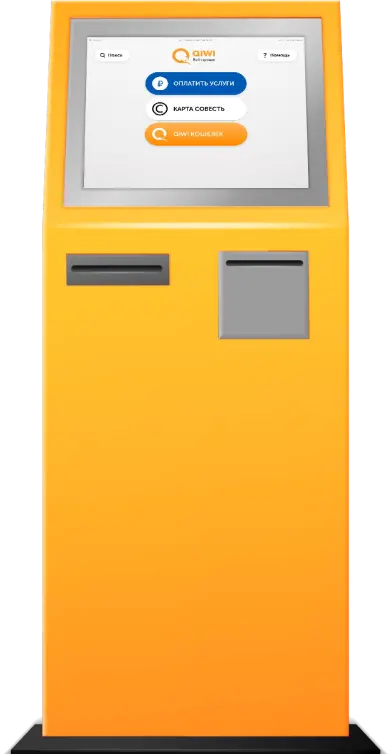
Everything you need to pay, you can find at the QIWI Terminal
Fast and Secure - Instantly pay utilities, loan installments, internet or telephony.
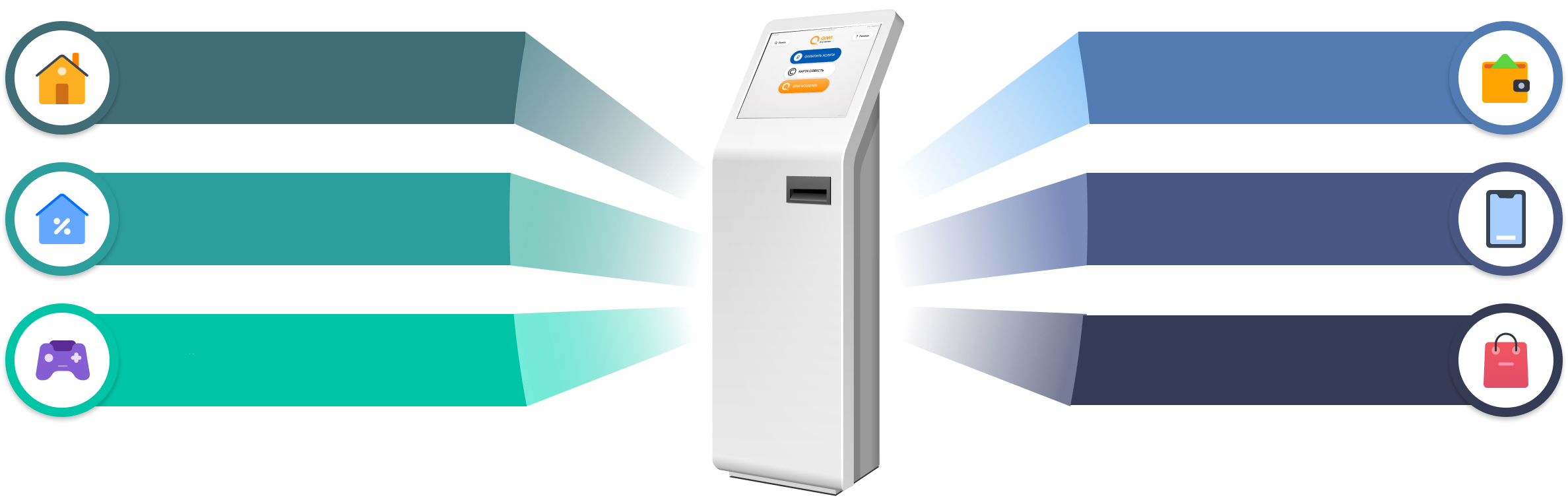

Communal services

Account funding

Loan payment

Mobile communications

Games and entertainment

Products and services

Top Up with 0%

Always keep money at hand
Turn cash into your QMoney account, instantly and without fees, and use it immediately for online payments or transfers.
Open accountWhy use QIWI Terminals?

No queues
Without wasting time at crowded counters - Pay any bill in less than a minute.

Simple with cash
You don't need a card or a bank counter, pay simply and quickly.

Accessible
Hundreds of terminals located throughout the country, you can always find one at the corner store or at the PECO station.

Fast
Transactions are processed quickly and the beneficiary sees the payment immediately. You quickly get rid of the worry of arrears.

Convenient
The terminal transfers your change accurately and quickly directly to QMoney or your mobile phone account.
Frequently asked questions
The terminal did not issue a receipt. What to do?

The terminal did not issue a receipt. What to do?
If you have made a payment through QIWI terminals and the payment receipt has not been issued, you must call the "Customer Support Service" (tel: +373 22 844 300) and request a copy of the payment receipt or visit the Qiwi office to receive a copy of the receipt on paper.
I paid for a service but I made a mistake in the number.
I paid for a service but I made a mistake in the number.
If you have paid for a service and immediately discovered that you have entered the wrong payment details, you must contact the "Customer Support Service" (tel: +373 22 844 300) to indicate the operation number and the correct payment details. Depending on the type of service paid and the type of error, the Support Service will notify you if the payment can be corrected and will modify the payment or inform you of the actions to be taken to recover the money.
What fees are charged when paying at the terminal?
What fees are charged when paying at the terminal?
The amount of the commissions differs depending on the service paid for. Information about the amount of the commission is indicated directly on the terminal interface before confirming the payment for a particular service.
How long does it take to process the payment ?
How long does it take to process the payment ?
Typically, payments are processed instantly (30 sec. – 1 min.). However, for some services, the processing time can take up to 24 hours.
I paid for the service, and suddenly the terminal froze (turned off, etc.), what should I do?
I paid for the service, and suddenly the terminal froze (turned off, etc.), what should I do?
If you have correctly indicated your details and have already entered money into the terminal, it is necessary to contact the "Customer Support Service" (tel: +373 22 844 300) to find out the status of the operation, as well as to receive a copy of the payment receipt.
If you have not entered any amount of money into the terminal, it is necessary to repeat the operation.
I made a payment, but the payment did not reach its destination.
I made a payment, but the payment did not reach its destination.
It is necessary to check the payment slip and take the following actions:
1. check if the payment slip does not indicate that the operation is not executed or has an error
2. check on the payment slip whether the service was selected correctly, the payment data is indicated correctly
3. contact the "Customer Support Service" (tel: +373 22 844 300) to find out the status of the payment
For Partners
Receive payments at the Terminal
Offer customers the opportunity to pay for your services faster and more conveniently.
Learn more