

Applying Strong Customer Authentication (SCA)
Terms of Use / Important / 04 July 2025
Applying Strong Customer Authentication (SCA)
In accordance with the new regulations of the National Bank of Moldova, QIWI Moldova has implemented Strong Customer Authentication (SCA), an additional security measure to protect financial transactions.
Starting with July 15, 2025, the SCA process will be mandatory for all QMoney customers. Thus, it is necessary to update the QMoney application and go through the steps to set up SCA.
What does this change mean?
To prevent fraud and ensure exclusive access to accounts, additional authentication will be required in the QMoney application when logging into the profile and making some transactions.
Thus, SCA in QMoney provides for the authorization of authentication or transactions by confirming them through at least two of the following three factors:
Something you know – a personalized code.
Something you have – your mobile device.
Something you are – fingerprint or facial recognition.
When can authentication be required?
Authentication in the QMoney profile - on the web or in the QMoney application;
Transfers – after initiating the transfer, it is necessary to confirm the transaction through the QMoney application, where you can approve or deny the transaction processing.
How to enable Strict Authentication – SCA?
Open the QMoney application;
On the main page, see the notification about configuring SCA and press the “I am using this device” button.
Register the device by entering and confirming the OTP code received via SMS.
Recommendations for transaction security:
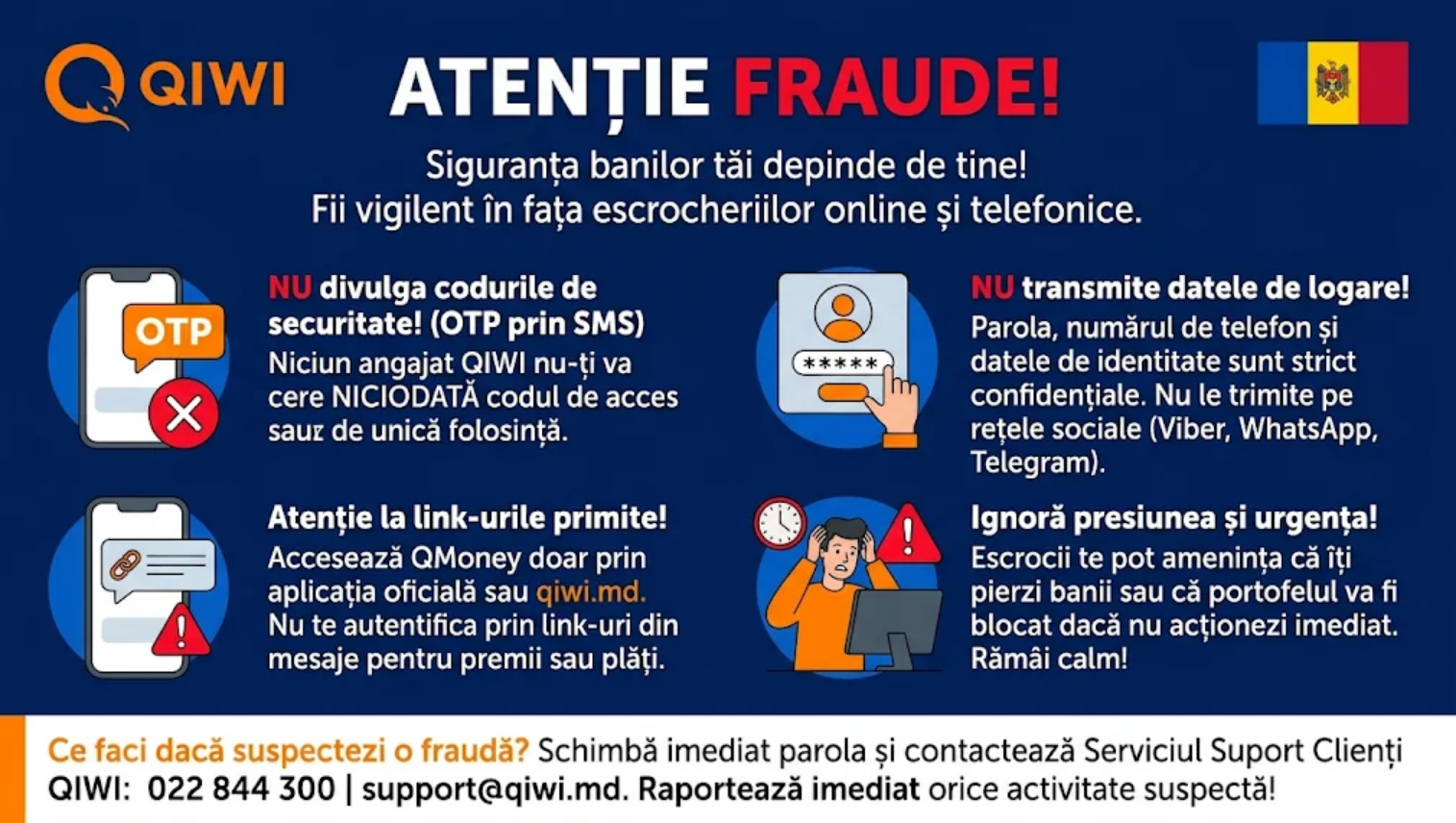
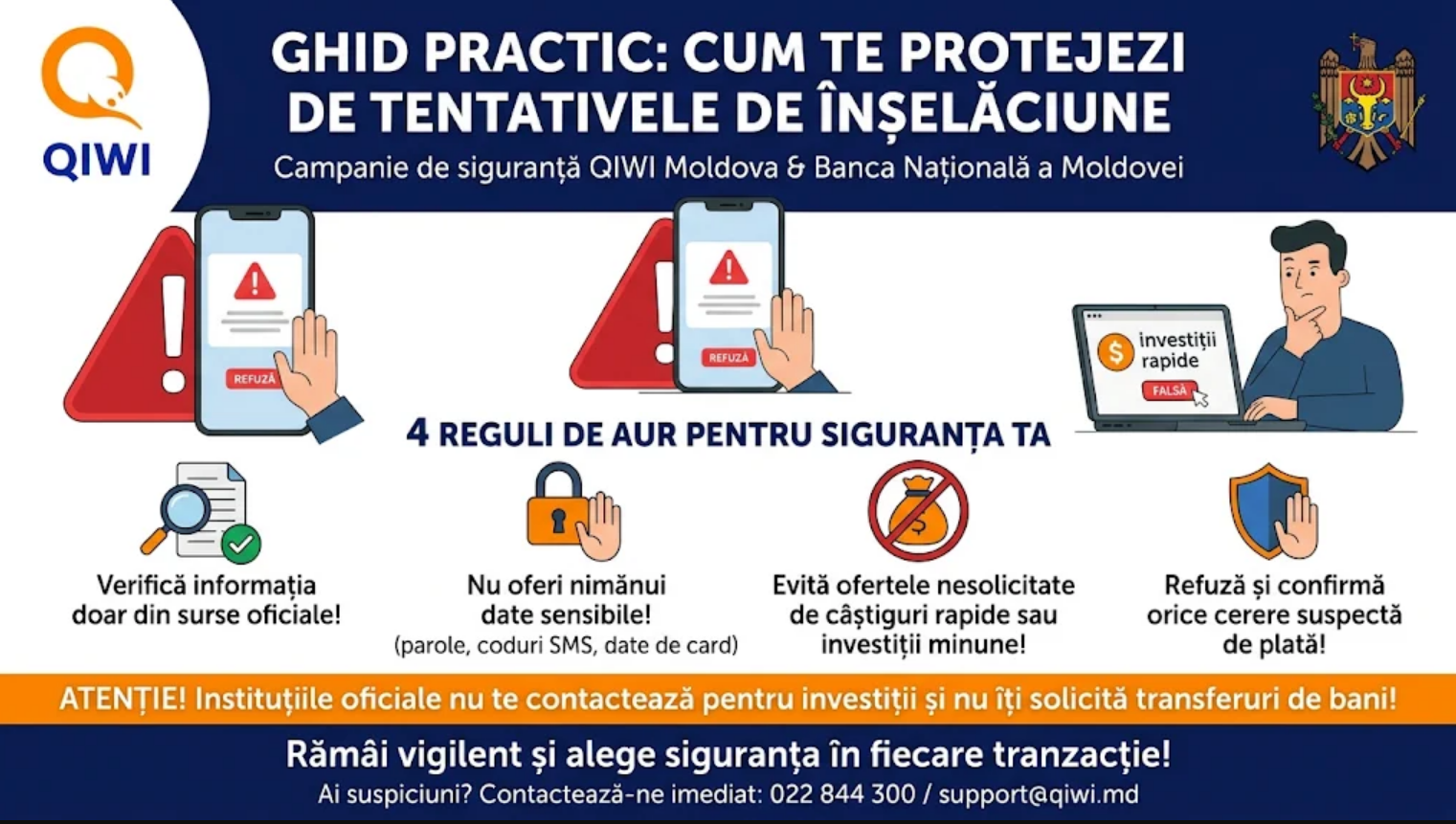
Do not disclose your account data (Login, password, PIN, SMS password (OTP), or any other password associated with accounts) to anyone, not even QIWI-M employees or payment service providers;
Protect devices used for financial transactions with secure passwords and ensure that they are updated regularly. Do not access accounts from public or unsecured devices;
Monitor your accounts, ensure that you have given the right to notification for the QMoney application, periodically check your history and statements for suspicious activities. If you detect unauthorized transactions, contact us immediately.
Be aware of fraud attempts. Do not leave personal data on suspicious sites, and in the case of messages or calls requesting confidential information, interrupt the communication and contact us immediately at the phone number 022 844 300 (Customer Support service);
Be aware of authorization attempts that you do not recognize. Do not authorize authentications or transactions that you do not personally perform, and in the event of any unknown authorizations, immediately change your profile password and contact us immediately at 022 844 300 (Customer Support);
Implementing Strong Authentication (SCA) is an essential measure for protecting accounts and transactions, significantly reducing the risks of fraud. These measures provide an increased level of security for each payment made and are important for financial security, ensuring that only you have control over your transactions and personal data.
To learn more about setting up SCA and the authorization mechanism, use the SCA instruction.
Other news